

Your iPhone might be saving two photos every time you take one.
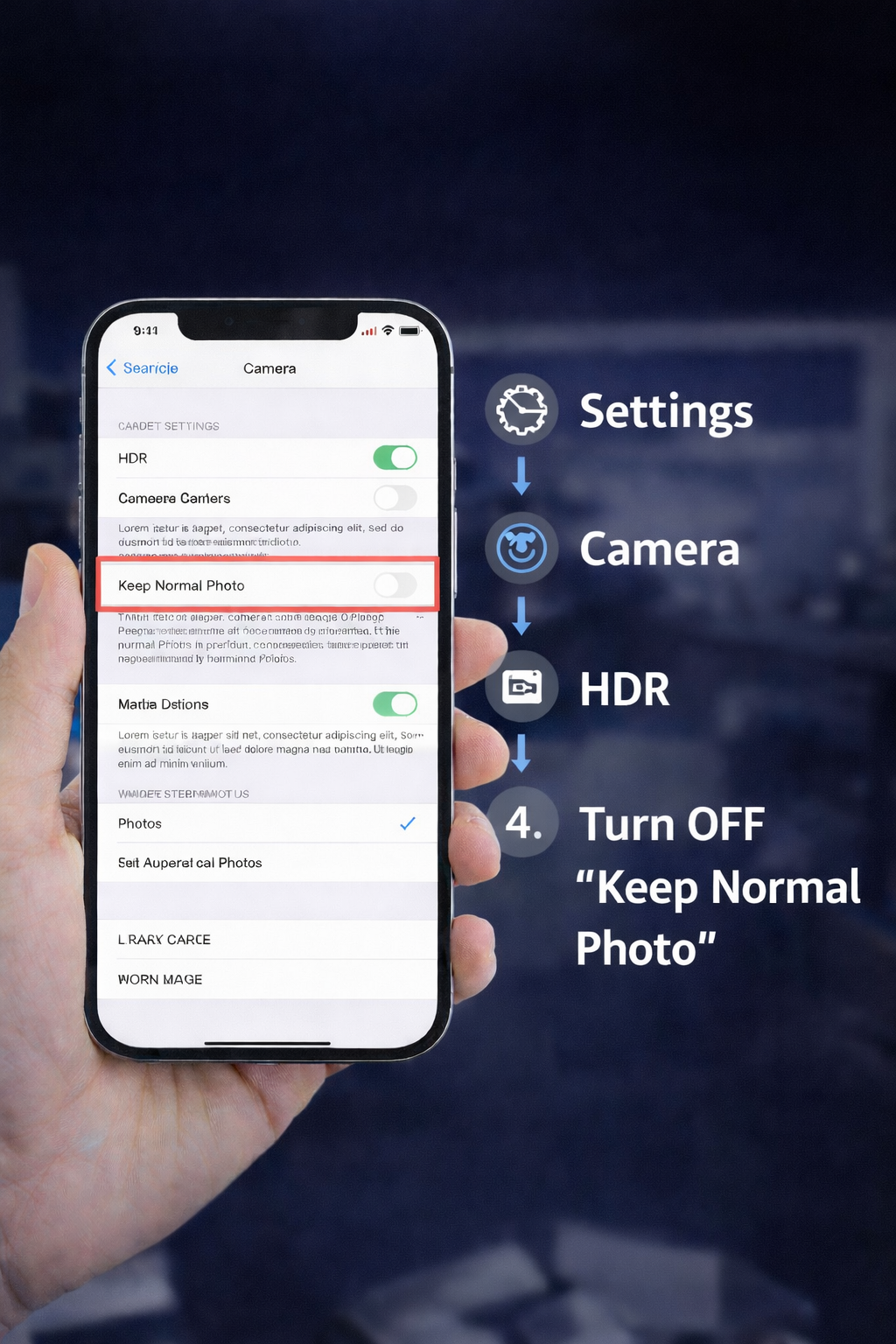
If “Keep Normal Photo” is turned on, your phone saves both the HDR photo and a normal version. That adds up fast and eats storage without you noticing.
How to turn it off:
-
Settings
-
Camera
-
HDR
-
Turn OFF Keep Normal Photo
You’ll still get great photos, just without the extra duplicate file.
Small setting. Big space savings.
If your phone storage is always full, stop by U Tech Care. We help clean up storage, back up photos, and keep your device running smoothly.
📍 Huntington Beach
📲 Message us if you need help