

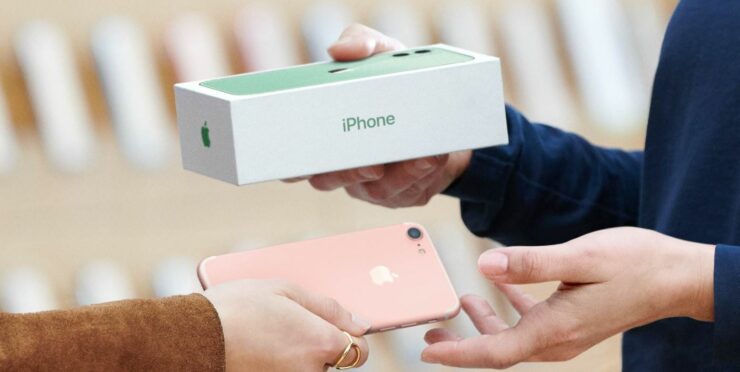
Selling your iPhone takes more than wiping it clean. A few smart steps protect your data and raise the value. Here is a clear checklist you can follow before you hand it over.
Fix small issues first
Minor repairs often raise resale value. A cracked screen, weak battery, or loose charge port lowers offers. Replacing the screen or battery often costs less than the price drop buyers apply. We also help with data transfer, so your new phone is ready before the old one leaves your hands.
Back up your data
Create a full backup before you touch any reset options.
You can back up to iCloud or to a computer using Finder or iTunes.
This saves photos, contacts, messages, apps, and settings.
Transfer your data to the new device
If both devices run iOS 11 or later, use Quick Start for direct transfer.
For older versions, restore from iCloud or Finder.
If your phone number will change, add another trusted number to your Apple Account first.
Sign out of iCloud and your Apple Account
This step matters. Skipping it leaves Activation Lock on the phone.
Open Settings
Tap your name
Scroll down and tap Sign Out
Enter your Apple Account password to turn off Find My
Also sign out of the App Store and iTunes if prompted.
Unpair Apple Watch
If your iPhone is paired with an Apple Watch, unpair it first.
This creates a backup of the watch and removes the link.
Deregister iMessage if switching platforms
If you are moving to a non-Apple phone, deregister iMessage.
This prevents missed texts after the switch.
Erase all content and settings
After backups and sign-outs are complete:
Go to Settings
Tap General
Tap Transfer or Reset iPhone
Tap Erase All Content and Settings
Enter your passcode if asked
Confirm erase
This removes all local data, Apple Pay cards, and saved accounts.
Your iCloud data stays safe in your account.
Remove physical items
Take out the SIM card or eSIM if prompted
Remove cases and screen protectors
Clean the phone before selling
Double-check your iCloud status
When you are signed in to iCloud, manual deletion removes data from all connected devices.
Always sign out before erasing. This avoids permanent data loss.
If you still have your old iPhone or iPad
Create a backup
Transfer data to the new device
Remove personal information from the old device using the steps above
If you no longer have the device
Contact the new owner and ask them to erase it
If the device is lost or stolen, erase it from Find Devices on iCloud.com
Remove it from your trusted devices list
Change your Apple Account password and enable two-factor authentication
AppleCare and Apple Pay
Cancel or transfer AppleCare if active
Remove cards and passes from Wallet before selling
eSIM note
If your device uses eSIM, choose the option to erase both the device and the eSIM profile during reset.
One last tip
If Stolen Device Protection is enabled, some actions trigger a one-hour delay. Plan for that time before visiting a store or meeting a buyer.
If you want help fixing minor issues, transferring data, or preparing your iPhone for sale, bring it in. We check the numbers with you so selling or trading makes sense.